Last updated: November 19, 2026
Quick answer: after you buy Bitcoin, store it securely by moving it off the exchange into a wallet you control, backing up the seed phrase offline, and protecting the device with a passphrase and a PIN. For a small balance, a reputable mobile wallet may be enough; for a larger balance, a hardware wallet is often the safer default. If you are unsure about your setup, consult a professional and use sources like Bitcoin.org wallet guidance and NIST’s cybersecurity basics before moving funds.
How to store Bitcoin securely after you buy it starts with key control, not coin control. The coins live on the network, but the private key that controls them is what you must protect. For a broader overview of the asset itself, the hub on what is bitcoin sits alongside this guide.
The safest workflow after your buy settles
The safest workflow is usually: receive the bitcoin, verify the address, move it to a wallet you control, and back up the recovery details before you send any larger amount. That sequence matters more than the brand name on the box, whether you use a Ledger-style hardware wallet, a Trezor-style device, or a multisignature setup.
Start by deciding where the bitcoin will live before you make the withdrawal. If the exchange is still holding the coins, you do not yet control the private keys. Once the withdrawal has arrived in your own wallet, the work shifts to backup and device security, not just storage.
-
Choose your storage method first. If you are holding a meaningful amount, a hardware wallet is the cleanest starting point because the private keys stay on the device rather than on a phone or browser extension. If you are storing a smaller amount for frequent use, a reputable software wallet can work, but it needs tighter phone and backup hygiene. When this is working, you will know which device or app will generate and hold the seed phrase.
-
Set up the wallet on a clean device. Initialize the wallet yourself, in a private room, with no camera pointed at the screen. The wallet should generate a 12-word or 24-word seed phrase, often called a recovery phrase. If the setup succeeded, the device will ask you to confirm the words in the correct order.
-
Write the seed phrase offline immediately. Use the paper card supplied with the wallet or plain paper if nothing else is available. Write every word exactly as shown, with legible spelling. When this works, you will have a full offline copy of the recovery phrase that can restore the wallet on another device.
-
Add a passphrase if you understand the trade-off. A passphrase, sometimes called the 25th word, adds another secret on top of the seed phrase. It can protect you if someone finds the seed phrase, but it also creates a failure mode: lose the passphrase and the wallet is effectively unrecoverable. If the setup is successful, the wallet will require both the seed phrase and passphrase to open the same accounts.
-
Send a small test withdrawal first. Move a tiny amount, wait for the network to confirm it, and check the receiving address on the wallet screen, not just on the exchange. If that lands correctly, the wallet address is valid and the transfer path is working.
-
Move the rest only after the test clears. Send the larger amount to the same address if your wallet supports that flow, or a fresh address if you prefer cleaner bookkeeping. When this step is complete, the exchange balance should drop and your self-custody wallet should show the incoming funds.
-
Lock the device down after the transfer. Set a strong PIN, enable any supported biometric lock only as a convenience layer, and keep the device firmware current from the manufacturer’s official app. When this is done, a thief should not be able to open the wallet with casual access to the device.
That workflow sounds simple because it is, but the failure points are narrow and serious. A wrong address, a lost seed phrase, or a seed phrase stored in a cloud note can cost the entire balance.
What a hardware wallet actually protects
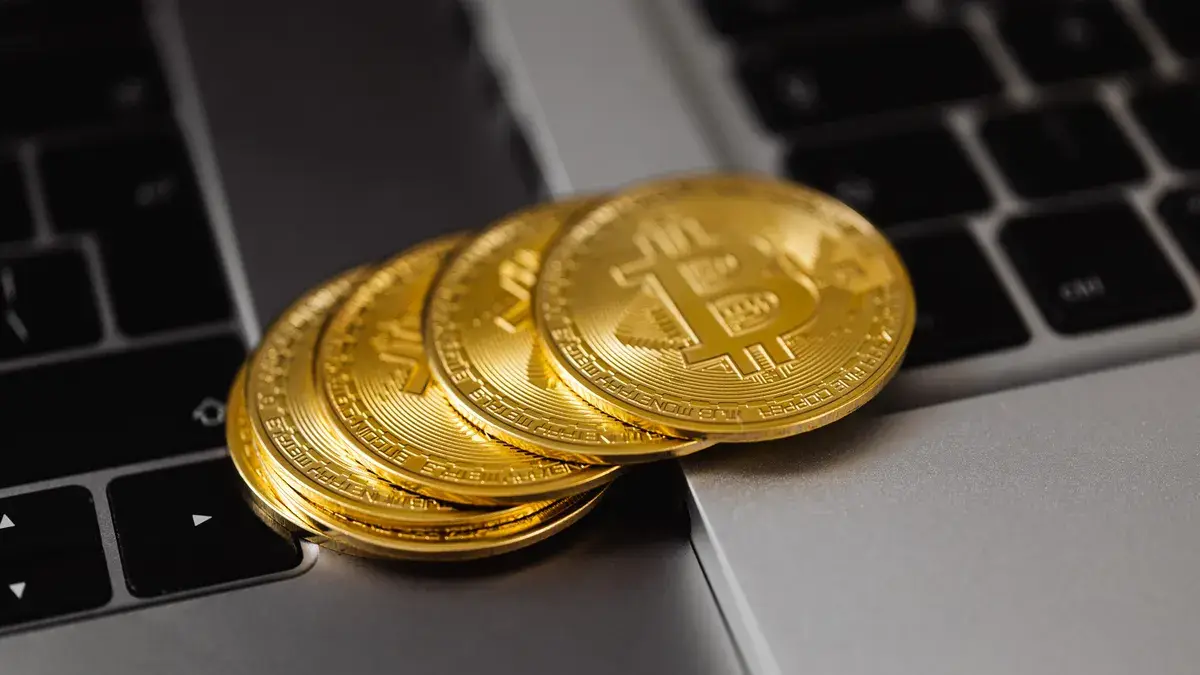
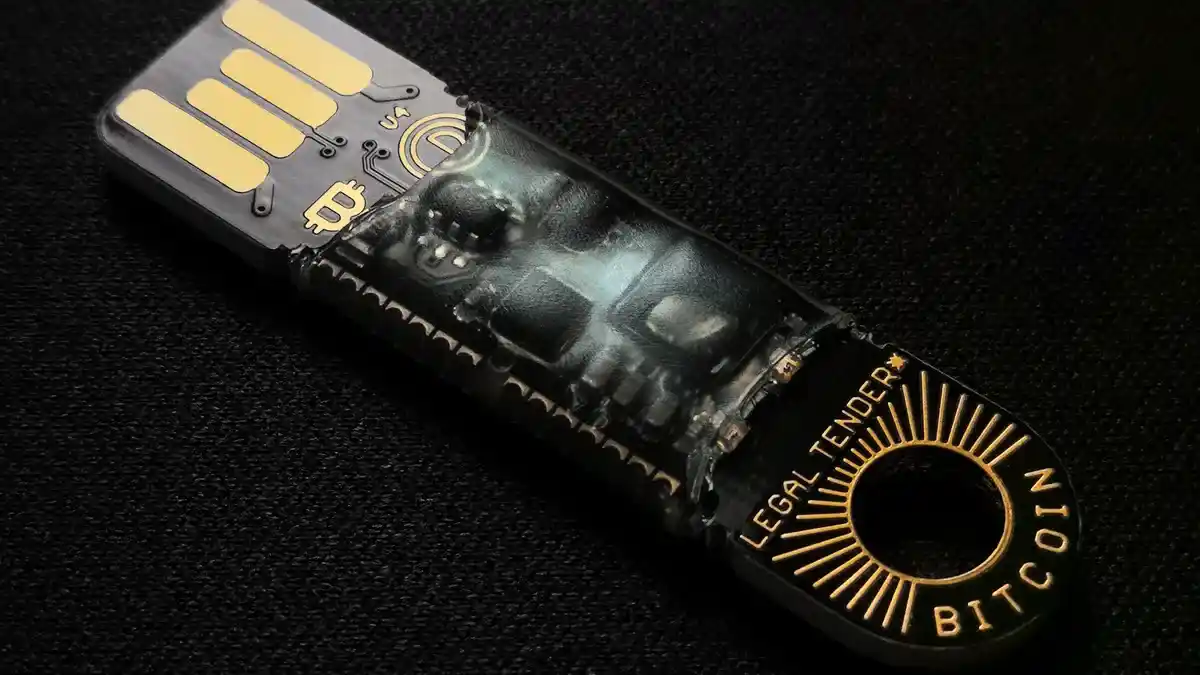
A hardware wallet protects the private key by keeping signing operations inside a dedicated device. The key never needs to sit on a general-purpose laptop that browses websites, opens email, and downloads files. That separation is the main reason these devices exist, and it is why many long-term holders treat them as the default for self-custody.
The practical benefit is not magic. The device still depends on the seed phrase, the passphrase if you use one, and your ability to keep the device itself safe. If you leave the hardware wallet in a drawer with no backup, you have only moved the risk. If you store the seed phrase in the same bag as the device, you have combined the failure modes.
A hardware wallet is a better fit when:
- you plan to hold for months or years,
- the balance is large enough that a phone wallet feels too exposed,
- you want to reduce the chance that malware can sign a transaction on your behalf.
It is a poorer fit when:
- you need instant access for daily spending,
- you are not ready to manage a seed phrase safely,
- you expect someone else to recover the funds for you if you misplace the device.
Two details matter here. First, buy only from the manufacturer or a trusted reseller, because tampered packaging is a real risk. Second, initialize the device yourself rather than accepting a prewritten recovery phrase from anyone. A wallet that arrives “already set up” is not safe to trust.
A good device setup usually includes a PIN of 6 digits or more and a clear recovery process. Some devices use secure-element chips, some do not; that is a design choice, not a guarantee. The real protection comes from the fact that the secret key stays isolated from ordinary software most of the time.
How should you store the seed phrase?
You should store the seed phrase offline, in at least two physically separate places, and never in plain digital form. That means no phone photo, no email draft, no cloud note, and no screenshot sitting in your photo library.
The seed phrase is the master backup. Anyone who gets it can usually recreate the wallet and move the bitcoin without needing the device. For that reason, the backup deserves more care than the wallet itself.
Use these rules:
- Write the 12 or 24 words by hand.
- Keep the words in the exact order.
- Store one copy where water and fire are unlikely to reach it.
- Store a second copy somewhere geographically separate, such as another secure home location or a safety deposit box.
- Do not label the backup as “Bitcoin” if anyone else might find it.
Paper is the simplest backup, but it has limits. It can tear, fade, burn, or get wet. A metal backup plate survives heat and water better than paper, which is why many long-term holders upgrade to one once the amount becomes meaningful. There are also stamped or engraved products built for seed storage; the point is not the brand, it is the material.
A passphrase changes the backup picture. If you use one, the seed phrase alone is not enough. That can be useful, but it means you now need a second secret stored safely and memorably. Writing the passphrase next to the seed phrase defeats the point.
One of the better habits is a recovery test. Restore the wallet on a spare device, or use the wallet’s recovery check if it provides one, before you trust the backup with a larger balance. If the restore works, you know the words are correct and readable. If it fails, fix the backup while the amount is still small. For step-by-step wallet recovery guidance, Bitcoin.org’s wallet page and Ledger’s support articles are useful starting points, and a qualified professional can help if the amount is substantial.
This is the stage where many people make the wrong choice by going fully digital because it feels easier. It is easier, and that is the problem. A cloud account can be hacked, synced to another device, or accessed after a password reset. Offline storage is more work, but it removes whole categories of remote attack.
What not to do with Bitcoin storage
Do not keep long-term bitcoin on an exchange unless you are consciously choosing custodial risk. The exchange controls the keys, so you are trusting that company’s security, policies, and withdrawal rules. That may be acceptable for a short time after purchase, but it is not the same as storage you control.
Do not photograph the seed phrase with your phone. A camera roll is backed up, copied, indexed, and often connected to more services than you remember. One image can become many copies. That is convenient for vacation photos and terrible for a recovery phrase.
Do not type the seed phrase into a website, browser form, or chat app. A legitimate wallet never needs your seed phrase except during setup or recovery inside the wallet application itself. If a site asks for it, assume it is malicious.
Do not test a new setup with your full balance. A 0.001 BTC test transfer, or any small amount that is negligible for you, is enough to prove the address works. A failed test is annoying; a failed full transfer is permanent.
Do not reuse the same passphrase for unrelated accounts. A passphrase should be unique and private. If you store it in a password manager, that password manager becomes part of your threat model and should itself be well protected.
Do not leave the wallet device opened, labeled, or easy to find. A PIN helps, but physical access still matters. If someone can pick up the device and already knows the PIN, the device has less value as a defense.
These mistakes are expensive because bitcoin transactions are irreversible. There is no help desk that can roll back a bad withdrawal or recover a seed phrase you published to the wrong place. That is why storage discipline matters more than swapping from one wallet brand to another.
When multisignature wallet storage makes sense
A multisignature wallet makes sense when one key should not be enough to move funds. In a common 2-of-3 setup, any two of three keys can approve a transaction, which reduces the chance that one lost device or one stolen seed phrase drains everything. It is more complex than a single hardware wallet, but it gives stronger fault tolerance.
This setup is not the first move for everyone. If you are new to self-custody and storing a modest amount, a single hardware wallet plus a careful backup is usually the cleaner choice. Multisig earns its place when the balance is large, the risk tolerance is low, or more than one person needs controlled access.
The main trade-offs are practical:
- setup takes longer than a single wallet,
- recovery planning becomes more detailed,
- you need to understand how each key is stored and who controls it.
Multisig also creates coordination problems. If one key sits at home, one at work, and one with a trusted third party, you must know how to recover under stress. A simple diagram on paper helps. So does a written plan that explains which device, which backup, and which person does what if one key disappears.
This is where a professional security review can be worth paying for if the amount is substantial. For a small personal balance, the extra complexity can be more trouble than it is worth. For a family treasury, business reserve, or long-term holding that would hurt to lose, the extra setup can be rational.
How to keep the storage setup safe for years
You keep the setup safe for years by treating it like a maintenance routine, not a one-time event. Check the backup twice a year, update device firmware from official sources, and confirm that the seed phrase is still readable and stored where you expect it.
A good yearly routine is simple:
- inspect both backup locations,
- verify that the device still opens with the correct PIN,
- confirm you know where the recovery phrase is,
- review whether the passphrase is still memorable and correctly recorded,
- test a small restore only if you are changing hardware or suspect damage.
If you use a paper backup, replace it before it fades, tears, or becomes damp. If you use a metal backup, check that the letters or stamps are still legible and the plate is still where you intended it to be. If you moved house, the backup plan changed too.
Think in layers. The exchange is one layer, the hardware wallet is another, the seed phrase is another, and the physical storage location is another. If any one layer fails, the others should still hold the funds. That is the real goal of Bitcoin storage: not absolute safety, but enough separation that one mistake does not become total loss.
Key takeaways
- Keep the coins off the exchange once the withdrawal is settled.
- Use a hardware wallet for long-term storage if the balance matters.
- Write the seed phrase offline and store copies in separate places.
- Add a passphrase only if you can manage the extra recovery risk.
- Use a small test transfer before moving the full amount.
- Consider multisig when one key should not control everything.
- Review the backup on a schedule so the plan still works next year.
Should I keep Bitcoin on an exchange?
Only for as long as you need the exchange for the purchase or a short holding period. An exchange holds the keys for you, which means you are exposed to platform risk, withdrawal freezes, and account problems. If the amount is worth protecting, move it into a wallet you control.
What happens if I lose my seed phrase?
If you lose the seed phrase and the wallet device is gone or damaged, recovery may be impossible. The seed phrase is the master backup for most wallets, so losing it can mean losing access to the bitcoin permanently. That is why offline, redundant storage matters so much.
Is a hardware wallet necessary?
A hardware wallet is not strictly necessary, but it is the safer default for meaningful long-term holdings. A software wallet can work for smaller balances or frequent spending, though it leaves more room for device malware and accidental exposure. For larger amounts, the extra device is usually worth it.
How do I back up my wallet?
Write the seed phrase by hand, store it offline, and keep at least two copies in different physical locations. If you use a passphrase, back that up separately and never store it next to the seed phrase. A recovery test on a spare device is the clearest way to confirm the backup works.
Drafted with AI; not yet reviewed by a person.