Last updated: November 19, 2026
Quick answer: this Bitcoin wallet security checklist for everyday users has 4 core priorities—secure the device, secure the account, secure the seed phrase, and verify the address before every send. Bitcoin wallet security is a set of simple habits that reduce the chance of theft, loss, or a bad send. If I had to boil it down to one sentence, it is this: protect the seed phrase, harden the device, and check every destination address before any Bitcoin leaves the wallet.
Key takeaways
- A wallet is only as safe as the phone, laptop, or hardware wallet it runs on.
- The seed phrase is the backup that matters most; treat it like cash, not like a password hint, and consult the wallet vendor or a security professional if you are unsure about storage.
- Two-factor authentication helps on exchange and email accounts, but it does not protect the Bitcoin on-chain transfer itself.
- Phishing often targets the wallet setup flow, not just the wallet app.
- A 30-second address check before sending can prevent an irreversible mistake.
- Hardware wallets reduce exposure to malware, but they still need safe backups and careful setup.
Bitcoin wallet security checklist for everyday users
Bitcoin wallet security is strongest when the basics are handled in the right order: device hygiene first, backup second, transfer checks last. This checklist for everyday users is for ordinary users who send or receive Bitcoin from a phone, desktop app, or hardware wallet such as a Ledger or Trezor device. It is not about storing large treasury balances or building a multi-signature system with 2-of-3 approval. It is about the daily habits that stop the most common mistakes.
Start with the device itself. Use a screen lock, a unique passcode, and automatic updates. On a phone, that means a strong PIN or biometric lock and OS updates turned on. On a laptop, that means full-disk encryption such as BitLocker on Windows or FileVault on macOS, plus an up-to-date browser and security patches. If malware can read your screen, clipboard, or keyboard input, the wallet app is already fighting uphill.
Then protect the account layer around the wallet. Turn on two-factor authentication for the email account tied to the wallet, the exchange account, and any cloud service that could be used to reset access. Use an authenticator app or a hardware security key instead of SMS where possible. SMS can be intercepted through SIM-swap attacks, so it is better than nothing but not the strongest choice.
Next, treat the seed phrase as the one backup that can recreate the wallet. A seed phrase is usually 12 or 24 words, and the exact order matters. Write it down offline, check it back once, and store it where fire, water, and casual access are unlikely to destroy it or expose it. The wallet vendor or a security professional can help you choose a storage method. Never type it into a website, never send it in chat, and never store it in a cloud note.
Before every send, verify the address in full. Do not trust the first and last four characters alone. Clipboard malware can swap addresses at the moment of paste, and QR codes can be phished in a fake payment page. For large transfers, send a small test amount first, especially when using a new exchange withdrawal address or a fresh invoice from a merchant.
This page covers the practical checklist; the deeper context on Bitcoin itself belongs to the hub article on what Bitcoin is, which sits above this one in the site structure.
What to secure first: the device, the app, and the account
The first layer of Bitcoin wallet security is the device, because a compromised phone or laptop can defeat a well-made wallet app. A wallet app on an infected machine can be tricked, observed, or redirected, even if the app itself is reputable. That is why device hygiene comes before clever backup ideas, and a security professional can help if you are unsure how to harden a device safely.
A clean setup is simple to describe and easy to ignore. Use a current operating system, keep browsers and wallet apps updated, and remove software you do not use. If the wallet lives on a phone, install apps only from the official App Store or Google Play listing published by the wallet vendor. If it lives on a desktop, download only from the project’s official site, and check the browser certificate before signing in to any exchange or wallet-related account.
Account protection matters too. An email inbox is often the reset key for exchange access, password recovery, and alert notifications. If that inbox is weak, the wallet ecosystem around it is weak. Use a long unique password and two-factor authentication on the email account first, then on exchange logins and any custodial wallet services. A hardware security key such as a YubiKey is stronger than an SMS code because it resists phishing better.
One common mistake is mixing convenience with custody. A user may keep a trading account, a wallet app, and a cloud note with recovery details all tied to the same email and phone number. That makes one compromise cascade into three. The safer habit is to separate those roles. One email for finance, one for shopping, and no recovery info in plain text on either one.
If a wallet app asks for the seed phrase during routine use, stop. A real wallet asks for the seed phrase only when restoring a wallet or during an explicit recovery flow. If the wording feels off, close the app and check the support documentation from the official project page.
How do I keep my seed phrase safe?
Keep your seed phrase offline, legible, and recoverable only by you. That means paper in a secure place, or a metal backup if fire or water damage is a real concern, but not a photo, screenshot, text file, or password manager note; if you are unsure which option fits your situation, consult the wallet vendor or a security professional.
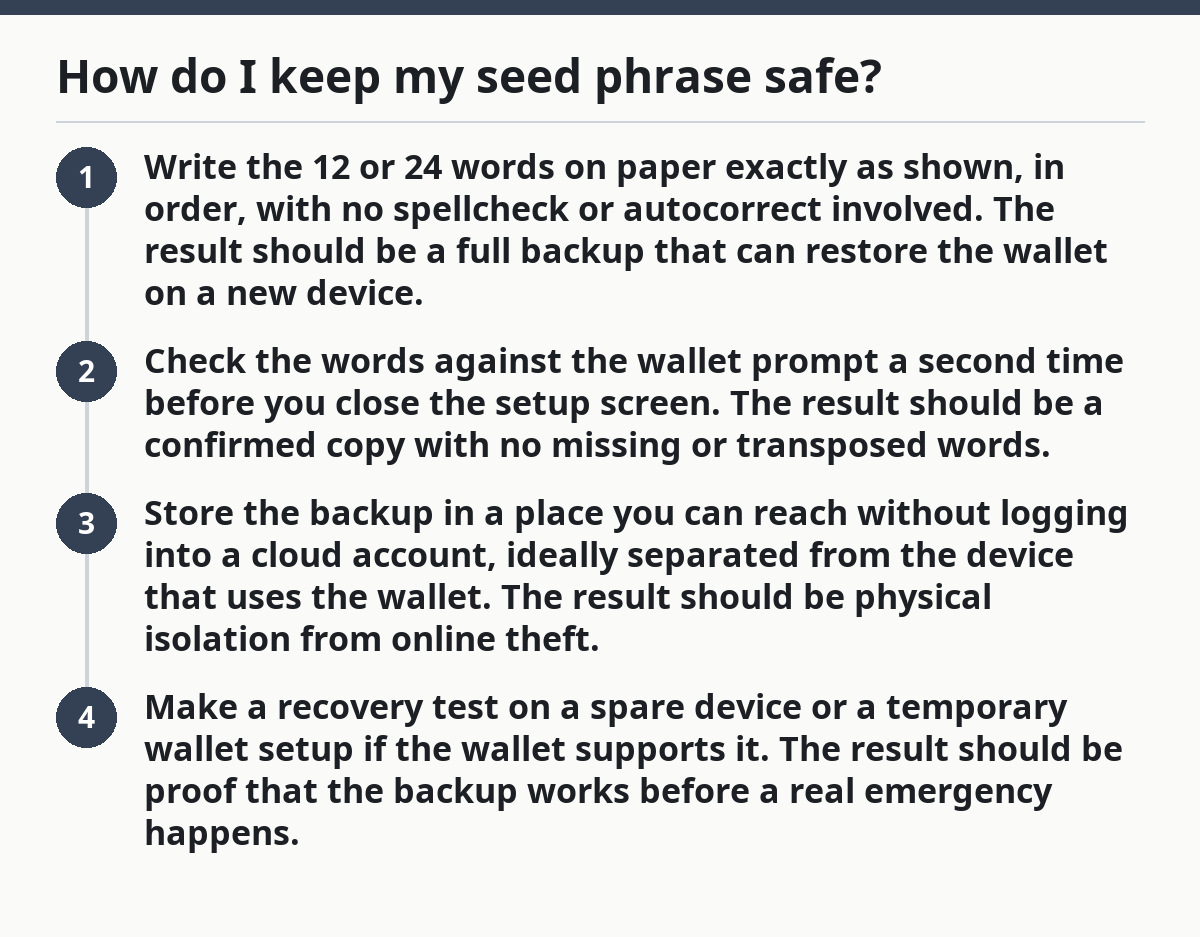
A good backup process is short and boring:
- Write the 12 or 24 words on paper exactly as shown, in order, with no spellcheck or autocorrect involved. The result should be a full backup that can restore the wallet on a new device.
- Check the words against the wallet prompt a second time before you close the setup screen. The result should be a confirmed copy with no missing or transposed words.
- Store the backup in a place you can reach without logging into a cloud account, ideally separated from the device that uses the wallet. The result should be physical isolation from online theft.
- Make a recovery test on a spare device or a temporary wallet setup if the wallet supports it. The result should be proof that the backup works before a real emergency happens.
The biggest trade-off is convenience. Paper is easy to make and easy to lose. Metal is harder to destroy, but it is more expensive and can still be stolen if kept in the open. A password manager can be useful for many passwords, yet it is the wrong place for a seed phrase because it creates a single high-value digital target.
Do not split the phrase casually unless you know exactly why. Cutting a 24-word backup into two pieces and hiding them in different places sounds clever, but it can make recovery brittle and create false confidence. If the phrase is for a standard single-signature wallet, keep the backup complete and readable. For advanced setups such as multisig, the rules are different and deserve a separate plan.
What phishing and fake wallet prompts look like
Phishing is one of the most common Bitcoin wallet security failures because it aims at the person, not the software. A fake support site, a cloned wallet download page, or a bogus “verify your wallet” message can steal the seed phrase in minutes. The attacker does not need to break Bitcoin; the attacker only needs a convincing page and one rushed click.
The warning signs are practical. A message that creates urgency, a page with a slightly wrong domain name, a browser popup asking for a recovery phrase, or a support agent who asks for “verification words” should all be treated as hostile, and a security professional can help if you are unsure how to verify a request. Real wallet support does not need the seed phrase. It does not need your private key. It does not need remote access to “fix” a balance issue.
A useful habit is to handle manually. Type the official site, bookmark it after checking the spelling, and avoid search ads when opening wallet or exchange pages. Search ads are a common place for impersonation. For downloads, confirm the publisher name in the app store and compare the domain against the one published by the wallet vendor. If the wallet is open source, the code repository and official domain should match the brand you expect.
Phishing also shows up in QR codes and payment requests. A merchant invoice can be swapped if you copy a QR from an untrusted source. A withdrawal page can be framed to look like a payment window while sending funds somewhere else. Slow down for anything involving a fresh address. A 10-second pause can save a transaction that cannot be reversed.
One honest limit: no checklist removes human error completely. A determined attacker can still make a fake page look right on a small screen. That is why the real defense is a habit, not a one-time setup. If something asks for the seed phrase after a link click, treat it as a scam until proven otherwise, and verify it through the official support page or a security professional.
Before you send Bitcoin, do these 4 checks
Before you send Bitcoin, confirm the network, the address, the amount, and the fee. This is the last place to catch a mistake, and it is where many everyday losses happen because the transfer is irreversible once confirmed on-chain.
Use this sequence every time:
- Confirm the network. Make sure the wallet is set to Bitcoin, not a wrapped token or a different chain. A BTC address on the wrong network can create a recovery headache or an outright loss depending on the service.
- Check the address character by character. Compare the full address on the send screen with the intended address, or scan a QR code from a trusted source. Do not rely on the first and last few characters alone.
- Send a small test amount first. For a new recipient, a new exchange, or a large payment, a small test transfer gives you a cheap proof that the address is correct and the destination can receive funds.
- Review the fee and timing. A fee that is too low can leave the transaction stuck longer than expected, while a fee that is too high wastes money. Most wallets show an estimated confirmation time or fee tier before broadcast.
Clipboard malware is the main reason address checking deserves a spot on every checklist. It quietly swaps one address for another after you copy and paste. That is why a full-screen compare is better than trusting the clipboard. If the address is too long to inspect comfortably, zoom in or use a QR code from a source you trust.
A separate mistake is sending from the wrong account type. Some exchange accounts have internal balances, custodial withdrawal screens, and external on-chain sends that look similar. Read the confirmation page slowly. If the page uses words like “withdraw,” “send,” or “broadcast,” assume the transaction is real and irreversible once you click through.
When a hardware wallet is worth the extra step
A hardware wallet is worth the extra step when you want the private key kept off a general-purpose computer or phone. It is not magic, but it does reduce exposure to malware because the signing happens on the device instead of inside a browser tab or desktop app.
This matters most if the wallet holds more than pocket-change levels of Bitcoin, if the device is shared, or if the computer is used for browsing, downloads, and email all day. A hardware wallet like a Ledger or Trezor separates key storage from the internet-facing machine. The trade-off is friction: there is a device to buy, firmware to update, a recovery phrase to guard, and one more thing to misplace.
A hardware wallet is not a substitute for discipline. If the seed phrase is photographed, the security gain collapses. If the device is purchased from an untrusted reseller and arrives preconfigured, that is a problem. If the user blindly approves a malicious address on the device screen, the wallet will sign the bad transaction just as faithfully as the right one. The screen on the device matters because it is the final confirmation point.
This is the part that everyday users often get wrong: they buy the hardware wallet and then leave the backup in a desk drawer, opened. The safer move is to pair the device with a strong paper or metal seed backup, a named recovery location, and at least one test restore. If the wallet cannot be restored, the backup is not done yet.
For a straightforward explanation of the currency itself, the hub article on what Bitcoin is belongs one level above this checklist and gives the broader context without repeating these steps.
The mistakes that cost people the most
The most expensive mistakes are usually simple: exposing the seed phrase, ignoring phishing, and skipping the address check. Those errors cost access, time, and often the coins themselves.
The first mistake is treating the seed phrase like a password that can be reset later. It cannot. If someone gets the phrase, they can usually move the funds without asking permission. Store it offline and never enter it into a website, no matter how official the site looks.
The second mistake is relying on two-factor authentication as a shield for everything. 2FA helps protect logins, not blockchain transfers. It reduces the chance of account takeover on exchanges and email, but it does not stop a bad address from being approved or a scam invoice from being paid.
The third mistake is trusting copied addresses. A wallet can show one thing on-screen while the clipboard holds another. Paste, compare, and confirm. For larger amounts, the extra 20 seconds is cheap insurance.
The fourth mistake is not practicing recovery before an emergency. A backup written six months ago and never checked may be incomplete, illegible, or stored where nobody can find it. A 15-minute restore test on a spare device is enough to discover that problem while there is still time to fix it.
What is the biggest Bitcoin security risk?
The biggest Bitcoin security risk is losing control of the seed phrase or being tricked into revealing it. That one event can let an attacker recreate the wallet and move the funds without needing the original device. Phishing, fake support, and careless backups all point to the same failure, so the phrase deserves the strictest handling.
How do I know a wallet is safe?
A wallet is safer when it comes from the official publisher, has a clear recovery process, and does not ask for the seed phrase during normal use. Check the app store listing, the domain name, and whether the project documents how keys are stored. If the setup flow feels pushy or unclear, choose a better-known option and verify it with the vendor’s own documentation.
Should I screenshot my seed phrase?
No, I should not screenshot my seed phrase. A screenshot can sync to cloud photo services, get backed up automatically, or sit in the camera roll for years where malware or account compromise can find it.
Drafted with AI; not yet reviewed by a person.