Last updated: November 19, 2026
Quick Answer: How to Cancel a Pending Crypto Transaction — You can usually cancel a pending crypto transaction only before confirmation, and the usual fix is to replace it with a new transaction that uses the same nonce and a higher fee. The steps below show when that works, when it doesn’t, and what to check in your crypto wallet.
Key Takeaways
- Both methods work only before confirmation.
- Check the chain, wallet, nonce, and fee rules before you send anything.
- Canceling stops once the blockchain confirms the transaction, and it also stops when the wallet or chain lacks nonce replacement.
- The most common mistake is using the wrong nonce, which adds confusion instead of fixing the first transaction.
Who this applies to, and what you need first
This applies to you if your crypto wallet shows a transaction as pending, unconfirmed, or stuck on a blockchain network that still accepts replacement transactions. It assumes you can open the wallet, see the transaction details, and identify the network fee, nonce (the transaction order number), and destination address.
This is information, not financial advice. Crypto rules, wallet controls, and fee rules vary by country, by token, and by chain, so a qualified adviser should be consulted for your own situation if the transfer affects taxes, business records, or legal obligations.
If you are trying to cancel a pending crypto transaction, start by checking whether the network has picked it up yet. Once a blockchain confirms it, cancellation stops being possible. That distinction matters before you touch anything else.
- Pending means the network has seen it, but miners or validators haven’t confirmed it yet.
- Stuck usually means the fee is too low for current network conditions.
- Nonce tells the chain which transaction should come next from your wallet address.
- Mempool is the queue of unconfirmed transactions waiting to be included in a block.
For background on wallet flow, this page sits under the broader crypto exchanges and wallet operations hub. The hub covers the wider account and wallet workflow; this article stays on the single problem of canceling a pending transfer.
How do you cancel a pending crypto transaction?
You usually cancel a pending crypto transaction by replacing it with a new transaction that uses the same nonce and a higher fee, or by sending a 0-value self-transfer if your wallet supports that pattern. Both methods work only before confirmation.
There is no universal cancel button on the blockchain itself. What your wallet can do depends on the chain’s rules, the wallet’s controls, and whether the original transaction still lives in the mempool.
- Open your wallet and find the pending transaction in the activity list, then record the chain, token, nonce, and current fee. Verify that the status says pending or unconfirmed; if it says confirmed, you’re too late.
- Check the blockchain network for replacement support, then look for terms like replace-by-fee, speed up, or cancel. Verify the wallet actually exposes one of those controls; if it does not, manual replacement may be your only option.
- Compare the nonce of the pending transaction with the next nonce your wallet expects. Verify they match the stuck transfer; if they don’t, you may be looking at a different transaction or chain account.
- Create a replacement transaction in the same wallet, to the same sending address or to yourself, and set the same nonce. Verify the amount, chain, and destination are correct; if the wallet changes the nonce automatically, stop and retry from the advanced settings.
- Raise the network fee above the original transaction’s fee so miners or validators have a reason to pick the replacement. Verify the new fee is higher than the stuck one; if the wallet won’t let you increase it, the chain may not support direct replacement through that app.
- Broadcast the replacement and wait for the wallet to show the new transaction as pending. Verify the old transaction drops out of the mempool or is marked replaced; if both sit pending for a long time, the network may still be congested.
- Refresh the wallet after a few minutes and confirm only one transaction with that nonce remains active. Verify the balance and history line up; if the old transfer still confirms later, the network ignored the replacement and you’ll need chain-specific help.
A good result is simple: the original pending entry disappears, the replacement takes its place, and no transfer reaches confirmation. A bad sign is any confirmed transaction, because once a blockchain finalizes it, canceling is off the table.
What you should check before you try to cancel
You should check the chain, the wallet, the nonce, and the fee rules before you press anything. A one-minute check can save you from sending a second transaction that does nothing useful.
If you are trying to cancel a pending crypto transaction, the wallet screen may show “speed up” and “cancel” buttons, but you still need to know which one changes the network state. Some wallets only label a replacement transaction differently while others expose a real cancel flow.
- Confirm the blockchain type. Ethereum-style accounts use nonces and often support replacement; some other chains behave differently.
- Check the wallet version. Older wallet apps may hide advanced fee controls.
- Look for the mempool status. If the network already dropped the transaction, a replacement may fail to match it.
- Compare the token and chain. Sending on the wrong network can make the history look confusing, even if the address is the same.
- Review the fee unit. Some wallets show total fee, others show gas price or max fee. If you cannot see what you’re changing, pause.
A second screen can help here: a block explorer for the relevant chain, such as Etherscan for Ethereum or a chain-specific explorer provided by the network. Use it to verify whether the transaction is still unconfirmed before you assume the wallet view is accurate. See also our guide to block explorers and wallet fees for the same workflow.
When does canceling stop working?
Canceling stops working the moment the blockchain confirms the transaction, and it also stops working when the wallet or chain does not support nonce replacement. In those cases, the right move is to stop sending more attempts and check the exact chain rules.
If you are trying to cancel a pending crypto transaction, wallet and explorer data can disagree. The wallet may still say “pending,” but a block explorer may already show the transaction as confirmed.
Confirmed transaction: the transfer is already on-chain — do not try to cancel it; use the destination wallet’s controls or the chain’s normal recovery path if you sent to the wrong place.
Wallet without replace support: some apps do not expose nonce editing or fee bumping — switch to a wallet that can manage the same account more directly, if that chain supports it.
Nonce gap: another earlier transaction from the same wallet is still pending — clear the older nonce first, or later transactions can remain stuck behind it.
Wrong network: you signed on one chain but are checking another — verify the chain ID before you assume the transfer is canceled or lost.
Low fee on a congested network: the transaction may sit for hours or longer — replace it with a higher-fee version if the chain supports that rule.
Token contract transfer: some tokens follow contract logic that does not behave like a simple native coin send — check the wallet’s advanced transaction details before trying a generic cancel.
The truth is, “too late” usually means already confirmed, not “you waited too long on the clock.” If the chain accepted the transaction into a block, the cancellation window is gone.
The mistakes people make with a stuck transaction
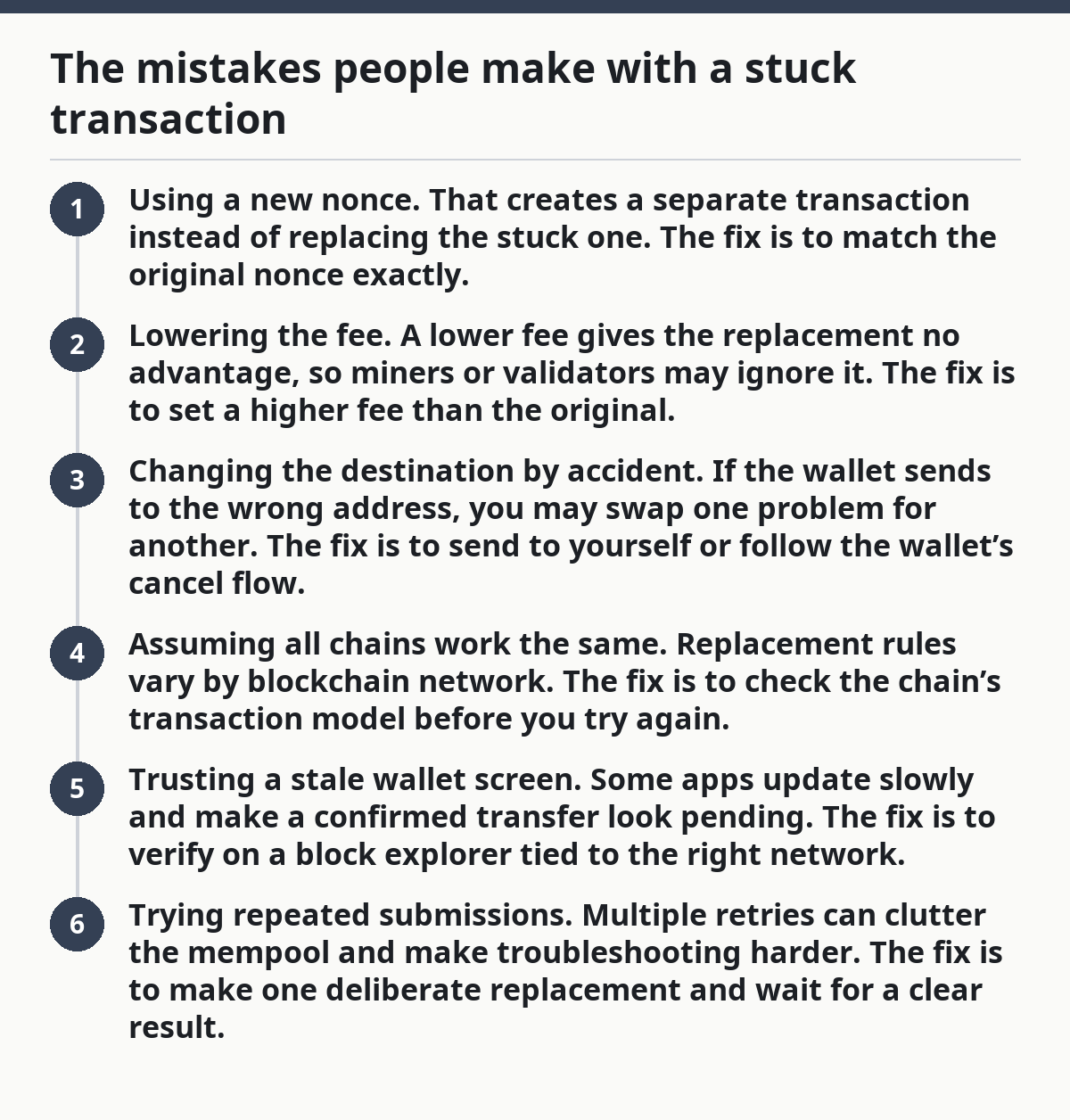
The most common mistake is sending a second transaction with the wrong nonce, which creates more confusion instead of fixing the first one. That mistake can leave the original stuck and the new one pending too.
If you are trying to cancel a pending crypto transaction, repeated taps on “speed up” can make the problem worse. On a busy network, that can mean extra fees, duplicate attempts, and no real cancel.
- Using a new nonce. That creates a separate transaction instead of replacing the stuck one. The fix is to match the original nonce exactly.
- Lowering the fee. A lower fee gives the replacement no advantage, so miners or validators may ignore it. The fix is to set a higher fee than the original.
- Changing the destination by accident. If the wallet sends to the wrong address, you may swap one problem for another. The fix is to send to yourself or follow the wallet’s cancel flow.
- Assuming all chains work the same. Replacement rules vary by blockchain network. The fix is to check the chain’s transaction model before you try again.
- Trusting a stale wallet screen. Some apps update slowly and make a confirmed transfer look pending. The fix is to verify on a block explorer tied to the right network.
- Trying repeated submissions. Multiple retries can clutter the mempool and make troubleshooting harder. The fix is to make one deliberate replacement and wait for a clear result.
On the flip side, if the wallet offers a built-in cancel button, use that first. It often automates the nonce and fee settings that people get wrong by hand.
When standard cancellation methods do not apply
Standard cancellation does not apply when the transfer has already confirmed, when the account is on a chain that does not use nonce-based replacement in the same way, or when the wallet hides the controls you need. In those cases, the fix is not “try harder”; it is “use the right tool.”
If you are trying to cancel a pending crypto transaction, the wallet may only show a simple send screen, no advanced gas controls, and no nonce editor. You can still manage some stuck transfers, but only if you have a wallet that can interact with the same account on the same network.
- Hardware wallet flow: some hardware wallets sign the transaction, while a companion app broadcasts it. If the app won’t let you edit fees, another wallet interface may be needed.
- Exchange wallet: if the funds sit on an exchange, you may not control the nonce at all. Exchange-held funds follow the exchange’s internal system, not your own wallet’s mempool logic.
- Token approval transactions: an approval can be pending separately from a send. It may need a different handling path than a normal transfer.
- Chain congestion spikes: during heavy traffic, a replacement may need a much higher fee to get picked up. The exact threshold changes with the network.
- Dropped transactions: if the network forgets the original entry, your replacement may no longer match it. In that case, the wallet may need a fresh send rather than a cancel attempt.
A practical check helps here: if the wallet cannot show the nonce and cannot edit the fee, it probably cannot do the full cancellation job on its own. That is a limitation of the tool, not a failure on your part.
How long does it take, and what counts as success?
It can take a few minutes or much longer, depending on congestion, chain rules, and the fee you set. Success means the replacement transaction wins and the original one never confirms.
If you are trying to cancel a pending crypto transaction, the wait can feel immediate or slow, but the network still decides the outcome. The replacement still needs to be processed, and that depends on current demand and the fee market.
A clean outcome usually looks like this:
- the wallet shows the original transaction as replaced, canceled, or dropped;
- the replacement appears with the same nonce;
- the balance reflects only the final result you intended;
- a block explorer shows one active transaction for that nonce, not two.
If you still see both transactions after a while, check whether the fee changed enough to matter. On some networks, a tiny bump is not enough to move a replacement ahead of the original.
For the broader wallet workflow, the crypto exchanges and wallet operations hub covers account setup, sending, and other controls around the same tools.
Can every crypto transaction be canceled?
No, not every crypto transaction can be canceled. If a blockchain has already confirmed it, the transaction is final for practical purposes, even if the wallet screen lags behind. If it is still pending, cancellation may work only on chains and wallets that support nonce replacement or a similar fee-bump method.
When is a transaction too late to cancel?
A transaction is too late to cancel once the blockchain network confirms it in a block. At that point, you can’t pull it back through the wallet. The normal follow-up steps depend on the chain and the destination wallet, and they are different from canceling.
What is replace-by-fee?
Replace-by-fee is a method that lets you submit a new transaction with the same nonce and a higher fee so the network may accept the replacement instead of the original. It is not universal across all chains or wallets. The wallet has to support it, and the original transaction must still be unconfirmed.
Drafted with AI; not yet reviewed by a person.