Last updated: November 19, 2026
Key Takeaways
- Use your wallet’s fee tools, starting with replace-by-fee and then child pays for parent if the wallet and UTXO setup allow it.
- Yes, if the original transaction was created as replaceable.
- Check wallet support, fee rate, and mempool pressure before you hit any fee bump button.
- Wrong fee tools or an accidental second payment can make things messier.
A slow Bitcoin transaction usually needs a higher network fee, and the fix is fee bumping through replace-by-fee or child pays for parent if your wallet supports it. This guide on how to speed up a slow Bitcoin transaction shows the steps, the limits, and when wallet settings are the whole story.
Who this is for — and what it assumes
This applies to someone with an unconfirmed Bitcoin transaction already sitting in the mempool, which is the network’s waiting area for transactions. It assumes you can open the sending wallet, see the transaction, and change fee settings only if the wallet supports it.
This is information, not financial advice. Bitcoin fees, wallet features, and confirmation times vary by network conditions, by wallet software, and by country or exchange policy. If the transaction has legal, tax, or business consequences, a qualified adviser should handle your own situation.
For how to speed up a slow Bitcoin transaction, start by checking whether the transaction is still pending, because the fix depends on whether it is unconfirmed. The problem is usually not the coins themselves; it is the network fee, the mempool backlog, or a wallet that cannot bump fees after broadcast.
- If your wallet supports replace-by-fee or child pays for parent, you may be able to raise the fee on the same transaction.
- If it does not, you may need to wait, or use a different wallet workflow next time.
The practical point is simple: the fix is usually procedural, not mysterious.
How to speed up a Bitcoin transaction
You speed it up by using your wallet’s fee tools, starting with replace-by-fee and then child pays for parent if the wallet and UTXO setup allow it. The steps below focus on what to check, what to click, and what a problem looks like.
When you are looking at an unconfirmed Bitcoin transaction, and the wallet shows a low fee rate, the job is to see whether the transaction is marked as replaceable and whether the wallet lets you pay more.
- Open your wallet’s transaction details and verify that the payment is still unconfirmed, because confirmed transactions cannot be sped up.
- Check whether the wallet labels the payment as replaceable, RBF-enabled, or fee-bump eligible, because replace-by-fee only works when that flag was set before broadcast.
- Compare the fee rate shown by the wallet with the current mempool congestion, because a low fee during busy periods often stays stuck longer.
- Use the wallet’s “speed up,” “bump fee,” or similar button, and raise the network fee if the interface offers a new satoshis-per-vbyte setting.
- Verify that the wallet creates a replacement transaction with the same output intent and a higher fee, because a true RBF bump replaces the original one rather than adding a new payment path.
- Inspect whether the wallet offers child pays for parent for this transaction or for a stuck unconfirmed output you control, because CPFP depends on spending that unconfirmed output in a new transaction with a higher fee.
- Broadcast the fee bump only once, then recheck the mempool status after a short wait, because repeated resubmits can create confusion in wallets and explorers.
If the wallet asks for a replacement fee rate, choose a higher one than the original; if it asks only for a fee total, the problem may be the wallet’s own estimate rather than the network. A mismatch there is a sign to slow down and check the wallet help page before sending anything else.
A lot of readers miss one detail: the network does not care about your urgency; it cares about the fee rate relative to the other transactions in the mempool. That is why two transactions with the same bitcoin amount can move at very different speeds.
Can I use replace-by-fee on my Bitcoin transaction?
Yes, but only if the original transaction was created as replaceable. Replace-by-fee, usually shortened to RBF, lets a wallet publish a new version of the same transaction with a higher fee before the first one confirms.
When you sent the transaction from a wallet that had an “opt-in RBF” setting, and the network is crowded, you are not trying to cancel the payment; you are trying to make miners prefer the replacement.
The catch is simple: if the wallet did not mark the original transaction as replaceable, RBF usually is not available afterward. Some wallets hide this behind a button, while others expose it as a fee slider or an advanced send option.
- Check the original send screen or transaction details for words like replaceable, RBF, or fee bump.
- If the wallet supports it, raise the fee by using the built-in bump tool, not by sending a duplicate payment.
- If the wallet does not support it, the fee bump path may be closed for this transaction.
On the flip side, if you see replacement support, act from inside the same wallet whenever possible. That keeps the transaction history cleaner and reduces the chance of sending an accidental second payment.
What child pays for parent does
Child pays for parent, or CPFP, uses a new transaction that spends an unconfirmed output from the stuck transaction and attaches a higher fee to the package. Miners may include both together if the combined package pays enough.
When you received change or another unconfirmed output from the slow transaction, and your wallet lets you spend it, that creates a second transaction that can pull the first one through the mempool.
This is not a universal fix. CPFP only works when you control an output from the stuck transaction and the wallet can spend it before confirmation. If you do not control any unconfirmed output, this tool is off the table.
- Use CPFP when the original sender side cannot be replaced, but you can spend the unconfirmed change.
- Expect the new child transaction to carry the higher fee burden.
- Verify that both the parent and child are unconfirmed, because the whole point is to drag the parent along.
What to check before you try anything else
You should check wallet support, fee rate, and mempool pressure before you hit any fee bump button. Those three checks tell you whether the slowdown is a wallet issue, a fee issue, or just a busy network.
When you are about to pay more, but the wallet interface gives you no clue why the transaction is slow, the smart move is to inspect the tools you already have before assuming the network is broken.
- Wallet support: Some wallets support RBF, some support CPFP, some support both, and some support neither. The wallet manual or support page should say which one you have.
- Fee rate units: The wallet may show satoshis per vbyte, which is the common fee rate unit for Bitcoin transactions. If you confuse that with a total fee, you can overpay or underpay relative to the size of the transaction.
- Transaction size: Bigger transactions need more fee to move at the same rate, because fee pressure is based on size, not just bitcoin value.
- Mempool congestion: When the mempool is crowded, low-fee transactions can wait much longer than expected.
A common mistake is treating “stuck” as permanent. It usually is not, but if you are unsure, consult a qualified wallet support resource or professional. It often just means the fee rate lost the current mempool race.
When the standard fix does not apply
You should stop using the usual fee-bump path when the transaction is already confirmed, when the wallet has no RBF or CPFP tools, or when you do not control the unconfirmed output needed for CPFP. In those cases, the normal speed-up route is simply not available.
The transaction is already confirmed: fee bumping no longer applies — the money is on-chain, so there is nothing to speed up.
The wallet never marked it replaceable: RBF is blocked — use the wallet’s help docs to see whether CPFP exists, or wait for confirmation.
You do not control an unconfirmed output: CPFP cannot work — that method needs an output you can spend.
The wallet has no bump-fee feature: the software is the limit — a different wallet may support fee tools next time, but not for this broadcast.
You are unsure which wallet created the transaction: stop and identify the sender wallet first — guessing here can lead to duplicate sends.
The mistakes people actually make
You can make the transaction slower, or messier, by using the wrong fee tool or by sending a second payment by mistake. The usual errors are predictable, and so are the fixes.
When you are under pressure, the fastest click can feel like the safest one. Bitcoin fees punish that habit.
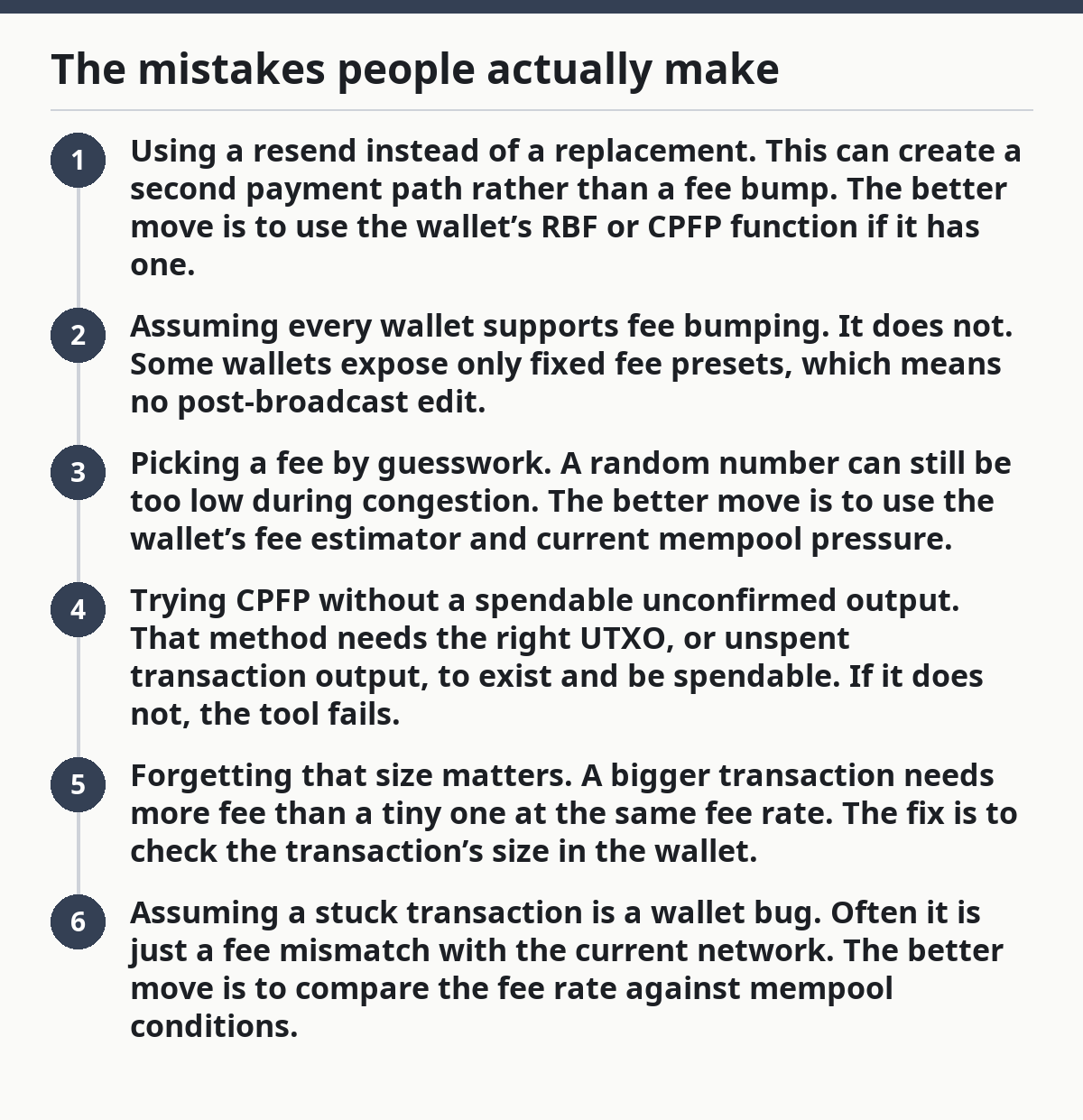
- Using a resend instead of a replacement. This can create a second payment path rather than a fee bump. The better move is to use the wallet’s RBF or CPFP function if it has one.
- Assuming every wallet supports fee bumping. It does not. Some wallets expose only fixed fee presets, which means no post-broadcast edit.
- Picking a fee by guesswork. A random number can still be too low during congestion. The better move is to use the wallet’s fee estimator and current mempool pressure.
- Trying CPFP without a spendable unconfirmed output. That method needs the right UTXO, or unspent transaction output, to exist and be spendable. If it does not, the tool fails.
- Forgetting that size matters. A bigger transaction needs more fee than a tiny one at the same fee rate. The fix is to check the transaction’s size in the wallet.
- Assuming a stuck transaction is a wallet bug. Often it is just a fee mismatch with the current network. The better move is to compare the fee rate against mempool conditions.
The truth is, most problems here come from one of two things: the wallet cannot do what you want, or the fee is too low for the current queue.
What if the transaction stays slow anyway?
If the transaction still waits after a fee bump, the answer is usually that the fee is still not competitive enough or the wallet did not broadcast the replacement you expected. A careful recheck beats repeated clicking.
When you already tried the fee tool, but the transaction still sits unconfirmed, the next move is not panic; it is verification.
- Reopen the transaction and confirm that the wallet shows the replacement, not the old version.
- Check whether the fee rate increased enough to matter in the current mempool.
- Look for wallet messages about broadcast failure, because a fee bump that never left the wallet changes nothing.
- If the wallet is unclear, consult its support documentation before trying again.
A stuck transaction can also be a sign that the wallet has poor fee controls for future sends. That is a product limitation, not a Bitcoin problem.
The broader wallet and exchange workflow is covered in the hub on Crypto exchanges and wallet operations, which puts this topic in context without repeating the same steps.
How long does it take?
It can clear in minutes or take much longer, depending on mempool congestion and the fee rate you choose. There is no universal clock for Bitcoin confirmations, because fees, wallet settings, and network load change all the time.
When you are waiting for one confirmation and refreshing the wallet every few minutes, the signal that matters is whether the new fee rate is competitive enough for the current network.
A good result looks like this, but you should still confirm it with your wallet or a trusted explorer: the wallet shows the replacement or CPFP transaction, the fee is higher than the original, and the mempool no longer treats it as a low-priority payment. If that does not happen, the slowdown is still in play.
How to keep this from happening again
You prevent most slow Bitcoin transactions by checking fee settings before you send, and by choosing a wallet that supports fee bumping if that matters to you. The future fix is easier than the after-the-fact fix.
When you are about to send bitcoin and you know the network might be busy, that is the moment to set the fee with care, not after the transaction is already stuck.
- Review the wallet’s advanced send options before broadcasting.
- Check whether RBF is available for outgoing transactions.
- Use fee estimates, not just the cheapest preset.
- Save CPFP for cases where you control an unconfirmed output.
If you send often, this matters more than one slow transaction. A wallet with clear fee controls can save you from a lot of waiting.
What is cpfp?
CPFP is short for child pays for parent. It is a Bitcoin fee technique where a new transaction spends an unconfirmed output from the slow transaction and attaches enough fee to make both transactions attractive to miners. It only works when you control the output and your wallet can spend it before confirmation.
Do all wallets support fee bumping?
No, they do not. Some wallets support replace-by-fee, some support child pays for parent, some support both, and some support neither. The wallet’s documentation or settings screen should say which fee tools are available, and that feature gap is often the deciding factor.
Why do bitcoin fees change?
Bitcoin fees change because demand for block space changes. When the mempool is crowded, users compete with higher network fees to get confirmed sooner, and when traffic is lighter, lower fees can be enough. Wallet estimates can shift quickly, so a fee that looked fine earlier may be too low later.
Drafted with AI; not yet reviewed by a person.