Last updated: November 19, 2026
Quick answer: How to Place a Limit Order on a Crypto Exchange usually takes 1 to 2 minutes if the pair, side, price, and quantity are already known. A limit order places a specific price on the trade, and the exchange only fills it if the market reaches that level or better.
Key Takeaways
- Select the pair, choose limit, enter size and price, then confirm the order.
- An open order stays live until you change, cancel, or the exchange removes it under its rules.
- A limit order is simple on paper, but easy to mistype in the ticket.
- A buy limit caps entry price; a sell limit sets the minimum acceptable exit price.
Placing a limit order on a crypto exchange means setting the price you want and waiting for the market to meet it. That is the direct way to control entry or exit price without chasing the screen. The steps below show how to place one, check it, and spot the mistakes that leave orders sitting open. For the broader context, the topic here is How to Place a Limit Order on a Crypto Exchange.
Who this is for, and what you need first
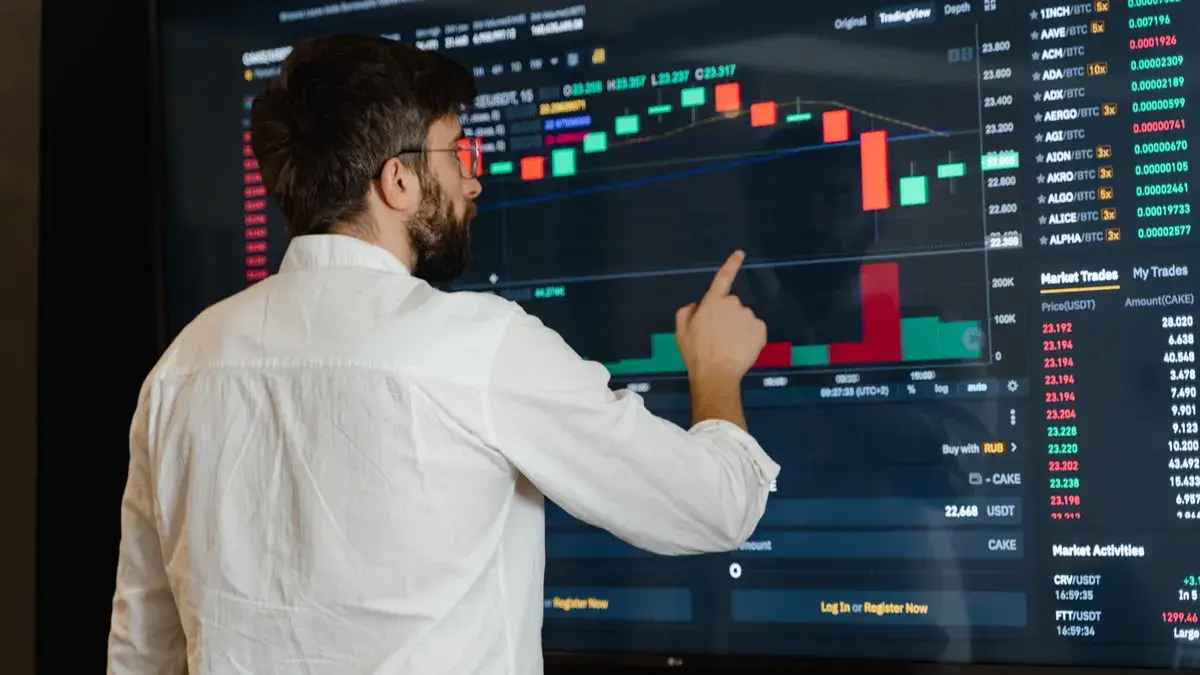
This is for a person who already has an account on a crypto exchange, knows the trading pair they want, and can find the spot order screen in under 2 minutes. It assumes the account is already funded or has the crypto asset available to sell. For the mechanics behind order placement, see Coinbase Learn on limit orders and Binance Academy on order types. This is information, not financial advice; your own situation may need a qualified adviser.
Picture this: you’re on the order ticket, the chart is moving, and you want to avoid a rushed click. A limit order gives you a fixed order price, but it only works if the market reaches that level. That trade-off is the point, and it matters when you are learning How to Place a Limit Order on a Crypto Exchange.
If the exchange only shows market order by default, look for the drop-down or tab that says limit. If the pair is thinly traded, the order may sit unfilled for hours or days. The Hub on Crypto trading and exchange mechanics can fill in the bigger picture without turning this page into a lesson on every order type.
What a limit order does, in plain terms
A limit order tells the exchange: buy only at this price or better, or sell only at this price or better. For a buy, “better” means lower. For a sell, “better” means higher. That simple rule is why limit orders are used for patient entries, planned exits, and price control. On many exchanges, the order sits in the book until a matching price appears.
- Buy limit: sets the highest price you’ll pay.
- Sell limit: sets the lowest price you’ll accept.
- Open order: an order that has not fully filled yet.
- Partial fill: part of the order executes, and the rest stays open.
How do you place a limit order on a crypto exchange?
You place it by selecting the trading pair, choosing limit, entering the quantity and price, then confirming the order. The exchange then posts it to the order book, which is the list of resting buy and sell orders at different prices. In practice, How to Place a Limit Order on a Crypto Exchange is mostly about matching those four inputs correctly.
Picture this: you’re on the spot market page, and the pair reads BTC/USDT or ETH/USD. You want one clean order, not a guess. The goal here is to enter the numbers once, check them twice, and avoid a typo that turns a planned trade into a bad fill.
- Open the spot trading screen for the correct trading pair, such as BTC/USDT, and verify that you are on the spot market, not derivatives. If the pair or market type is wrong, stop before entering a price.
- Select Limit instead of Market in the order panel, then confirm the ticket shows a price field. If the price field is missing, the exchange has not switched modes.
- Choose Buy or Sell based on the direction you want. For a buy limit, your price is the maximum you’ll pay; for a sell limit, it is the minimum you’ll accept. If the side is wrong, the order can do the opposite of what you meant.
- Enter the order price as a number that fits the pair’s quote currency. If the asset trades in USDT, the price should be in USDT units; if the tick size is shown, stay within that increment. A mismatch here often means a rejected order.
- Enter the quantity you want to buy or sell, and check the exchange’s display of total value before submitting. If the total is larger than the cash balance or available crypto, the order may fail or reduce.
- Review the fee estimate if the platform shows one, along with the final order summary. If the summary price, size, or side is wrong, do not confirm.
- Place the order and wait for the confirmation that it is open. If the exchange returns an error or the order disappears, look for a rejected status or a balance issue in under 1 minute.
- Check Open Orders to confirm the order is resting at the chosen price. If it fills only partly, the remaining size should still appear as open; if it is absent, the exchange either filled it, canceled it, or rejected it.
The truth is, a limit order is not a guarantee that you’ll trade. It is a price filter. If the market never touches your number, nothing happens. That is why How to Place a Limit Order on a Crypto Exchange starts with checking the price, not the chart.
What to verify before you hit confirm
Check the pair, the side, the price, the quantity, and the total. Those five items catch most errors. On many exchanges, the confirmation screen shows the estimate in less than 10 seconds; use that moment.
- Pair matches the asset you mean to trade.
- Side says buy or sell exactly as intended.
- Order price is the number you actually want.
- Quantity is in the base asset, not the quote asset.
- Total value fits your balance.
If the exchange offers a preview, use it. If it doesn’t, slow down and read the line items before you click.
What happens if the price never trades through your order?
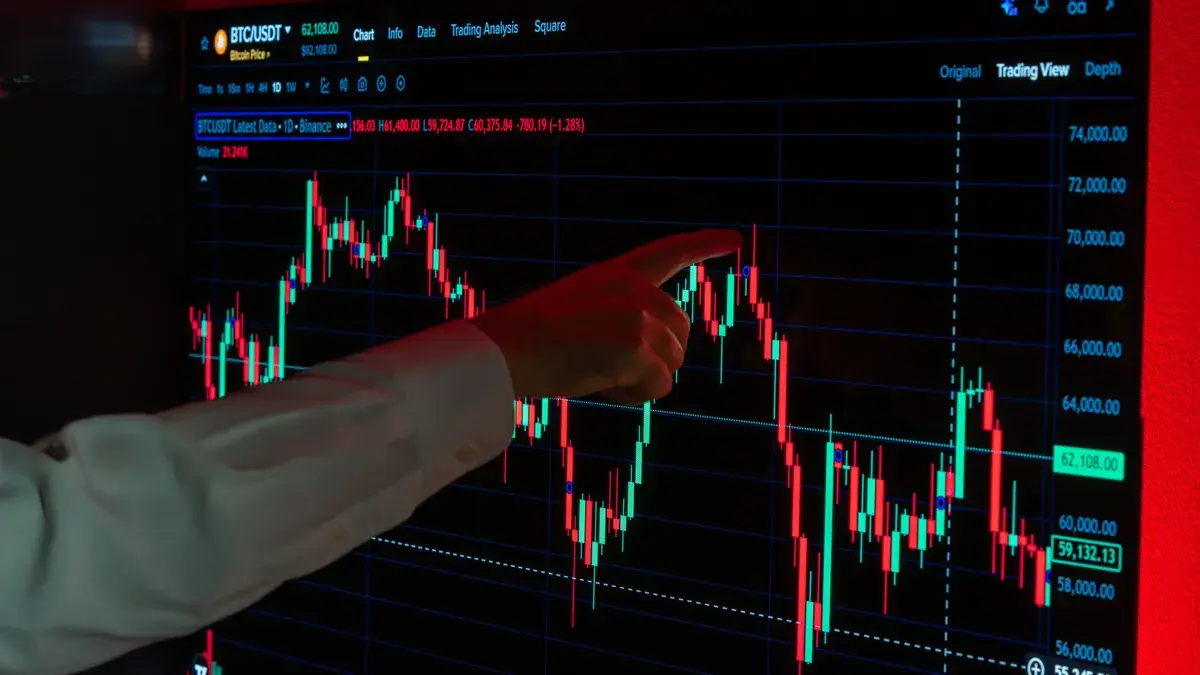
Nothing fills, and the order stays open until you change it, cancel it, or the exchange removes it under its own rules. A limit order only executes when the market reaches your price or gives you a better one.
Picture this: you placed a buy limit below the current market and the price moved away from you. The order still sits in Open Orders, but it is not a live trade unless the order book reaches that level. That can be exactly what you wanted.
A few things can happen instead of a full fill:
- No fill: the market never touches your price.
- Partial fill: some of the quantity trades, then the rest waits.
- Immediate fill: the market is already at your limit or better.
- Rejection: the exchange rejects the order because of balance, format, or minimum size rules.
Here’s the catch: the exact rules differ by exchange and by country. Some platforms also set minimum order sizes or price increments, and those can change. A limit order that works on one venue may need a different price step on another.
When to stop and check the setup again
The trading pair is wrong: you entered the wrong market, such as BTC/USDT instead of BTC/EUR — cancel the order and return to the correct pair.
The side is reversed: you clicked buy when you meant sell, or the reverse — cancel it before it fills.
The price is outside the current market by mistake: a decimal point or extra zero can park the order far away from the market — re-enter the number slowly.
The balance is too low: the order cannot execute as entered — free up funds or reduce the size.
The exchange shows a warning about minimum size or tick size: the order does not match the platform’s formatting rules — adjust to the allowed increment.
You are unsure whether the account type is spot or derivatives: the screen may look similar, but the mechanics are not — stop and find the spot ticket first.
The mistakes people actually make, and what they cost
A limit order is simple on paper and easy to botch in the ticket. The most common errors are not advanced; they are basic entry mistakes that create a bad price, a rejected order, or an unwanted position.
Picture this: you’re moving quickly, the chart is moving faster, and you skip the summary box. That is usually where the error lives. A clean order takes about a minute; a wrong one can linger until the market hits it.
- Typing the wrong price. The consequence is obvious: the order may fill at a level you never wanted. The fix is to read the price line twice and confirm the quote currency.
- Mixing up buy and sell. The consequence is an order that works in the opposite direction. The fix is to say the trade out loud before submitting.
- Using the wrong quantity unit. Some screens show base asset quantity, others show quote value. The consequence is oversizing or undersizing the trade. The fix is to check whether the field is measured in coin units or cash value.
- Ignoring partial fills. The consequence is thinking the order is “stuck” when part of it has already executed. The fix is to open the order details and look for filled versus remaining size.
- Leaving a stale order open. The consequence is a later fill at a price that no longer fits your plan. The fix is to review Open Orders after a market move and cancel if the setup no longer makes sense.
- Entering the wrong market. The consequence is trading the wrong asset pair or the wrong account type. The fix is to verify the symbol before every confirm.
On the flip side, a limit order can be the right tool when you care more about price than speed. It is not built for urgency.
Buy limit or sell limit: which one fits the screen you’re on?
A buy limit is for entering at a maximum price, while a sell limit is for exiting at a minimum price. That split matters because the exchange treats each side differently in the order book, so it is worth checking the side carefully before you submit.
Picture this: you already own the coin and want to place a sell order at a fixed level, or you want to buy only if the market dips to your number. The ticket is the same shape, but the meaning changes with the side you choose. In How to Place a Limit Order on a Crypto Exchange, this is the step that most often changes the result.
A good way to think about it:
- Buy limit: “I will not pay more than this.”
- Sell limit: “I will not accept less than this.”
If the market is already past your price, your order may fill right away or nearly right away, depending on the exchange rules and available liquidity. If the market is far away, the order can sit there for a long time. That is normal.
For readers who want the broader trading setup, the linked hub on Crypto trading and exchange mechanics covers the surrounding market structure without crowding this page with extra order types.
How partial fills change the result
Partial fills happen when only part of your size matches resting orders at your price. The remaining amount stays open, often at the same limit price. That can be useful if you want the market to come to you, but it can also leave you half done.
- If the order is 100% filled, it no longer appears in Open Orders.
- If it is partially filled, one part shows as executed and the rest stays live.
- If the order is unchanged, the market has not reached it yet.
The important check is the order status screen, not the chart alone. A chart can look close while the actual order remains untouched.
How do you cancel or change a limit order?
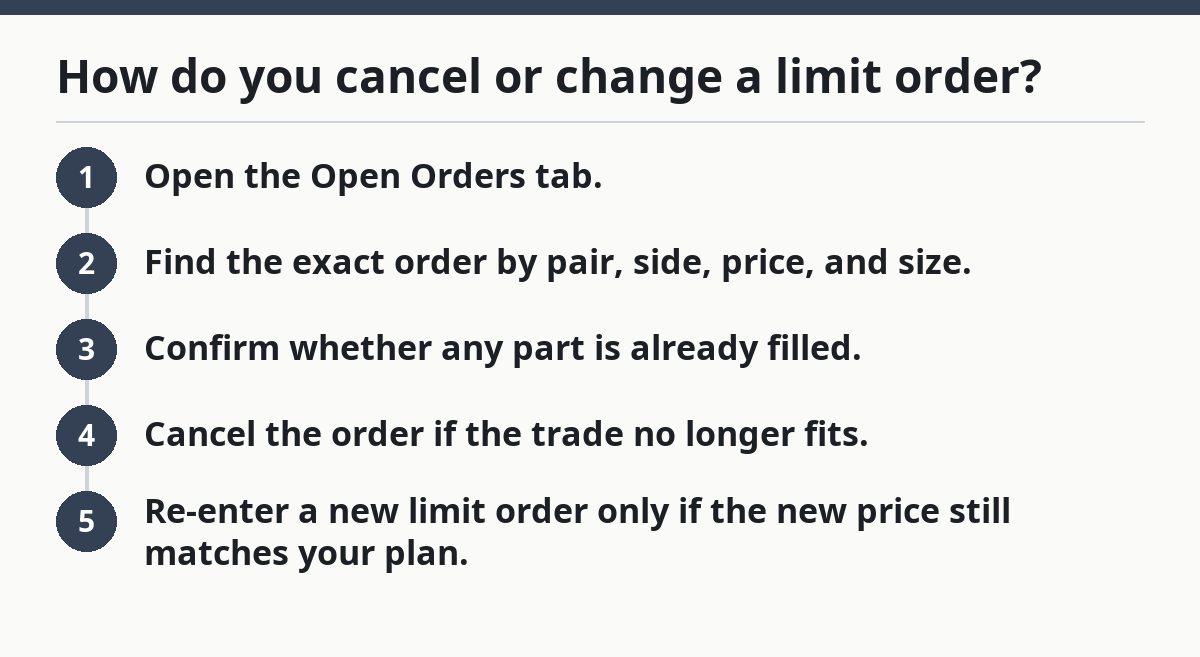
You cancel or change it from the Open Orders screen, if the exchange allows edits. Most platforms let you cancel instantly, while some require you to cancel and re-enter rather than edit the price in place.
Picture this: the market moved, your plan changed, and the order is no longer aligned with the setup. You do not need to wait for a fill. The order is yours to manage while it is still open.
Use this approach:
- Open the Open Orders tab.
- Find the exact order by pair, side, price, and size.
- Confirm whether any part is already filled.
- Cancel the order if the trade no longer fits.
- Re-enter a new limit order only if the new price still matches your plan.
If the platform shows no cancel button, or if the order is already fully filled, there may be nothing left to change. In that case, review the fills and move on. A filled order is no longer open.
Common edge cases that change the steps
A standard limit order setup works for most spot trades, but a few situations need extra care. These are not exotic; they are the cases where the screen behaves a little differently.
Picture this: you’re trading a thin pair, or the exchange has a minimum size rule, or the market is moving in a tight range. The basic steps still apply, but the details matter more.
- Thinly traded pairs: partial fills are more likely, because fewer orders sit in the book.
- Small balances: the exchange may block the order if the total is below minimum size.
- Fast markets: your limit may fill immediately if it is too close to the current price.
- Price increments: some venues require prices to fit a set tick size, such as 0.01 or another step.
- Regional rules: limits, fees, and available products differ by country and exchange.
If the ticket keeps rejecting your order, the cause is often one of those rules rather than the limit order itself.
What a good result looks like
A good result is simple: the order lands at the intended price, shows the right side and size, and either fills as planned or sits open for you to manage. That is the standard to look for.
Picture this: you confirm the order, check Open Orders, and see exactly the price you entered. No surprise side, no extra zero, no broken size. That means the screen did its job.
A clean limit order process usually looks like this:
- correct trading pair
- correct side
- correct order price
- correct quantity
- open order visible after submission
If one of those five does not match, the order ticket deserves a second look. Money mistakes often begin as small screen mistakes.
FAQ
What happens if my limit order does not fill?
It stays open until the market reaches your price or you cancel it. If the order is still listed in Open Orders, that usually means it has not fully matched yet. On a thin market, that can last a long time.
How is a limit order different from a market order?
A limit order sets the price you want; a market order seeks immediate execution at the best available price, though the final fill can vary with liquidity and spread. To compare order types in more depth, see the U.S. SEC’s Investor Bulletin on trading basics and Coinbase Learn on limit orders.
Drafted with AI; not yet reviewed by a person.