Last updated: November 19, 2026
Quick answer: for wallet access, backups, and recovery, a 24-word seed phrase is the most common offline recovery backup in BIP-39 wallets, while a 12-word phrase is also common and shorter to copy. In this Wallet Access, Backups, and Recovery — The Complete Guide, the safest default is to store that phrase offline, verify it before trouble starts, and follow the wallet’s own standards, such as BIP-39 and BIP-32. If you are unsure about your setup, check the wallet vendor’s documentation or consult a qualified professional.
A writer who follows wallet standards, recovery flow, and common failure points can judge this topic without hype. For wallet access, backups, and recovery, that means separating the app from the keys, and separating convenience from security. Trezor’s recovery guidance and Ledger’s backup guidance both stress that the recovery phrase is the key recovery asset.
Key takeaways
- A wallet app is not the money itself; the keys behind it are what control access.
- The seed phrase is usually the master backup, so losing it can mean losing the wallet.
- Paper backups are simple but fragile; metal backups cost more effort but handle fire, water, and wear better.
- Digital copies create new risk because screenshots, cloud sync, email, and notes apps can be copied or stolen.
- Recovery only works if the phrase is complete, in the right order, and used with the same wallet standard.
- A 12-word phrase is common; a 24-word phrase is also common and gives more room for entropy.
- If the wallet uses an extra passphrase, that second factor must also be preserved for recovery to work.
What does wallet access actually mean?
Wallet access means control over the private keys, not just the app on your phone. In most self-custody wallets, the app is only an interface; the seed phrase or key material behind it is what proves ownership. For practical backup planning, that means access is a key-management problem, not just an app-login problem.
That is why “I still have the app” is not a recovery plan. If the device breaks, the app is deleted, or the wallet vendor disappears, access depends on the backup you saved. In BIP-39 wallets, the seed phrase is typically 12 or 24 words, and those words can restore the same key structure on a new device if the wallet supports the same standard.
This is also where people get tripped up. A wallet password may protect the local app, but it often does not replace the seed phrase. If the seed phrase is gone, the password alone usually cannot rebuild the wallet from scratch.
The right mental model is simple: the app is a door, the seed phrase is the spare key, and the private key is what actually opens the vault. Lose the spare key and the vault may still be there, but you are locked out.
Why is the seed phrase so important?
The seed phrase is important because it is the most common recovery path in modern self-custody wallets. Under BIP-39, a short list of words can generate the wallet’s master seed, which then derives the keys used by the wallet.
That design is powerful and dangerous at the same time. It makes backup easier than copying a long string of random characters, but it also means the phrase must be protected with the care of cash, legal papers, or a house key set. There is no customer support desk that can reset a seed phrase for you.
A lot of beginner advice gets this wrong by treating the seed phrase like a password you can save anywhere; if you are uncertain how your wallet handles backups, consult the vendor’s documentation or a qualified professional. It is closer to the master copy of the wallet. Anyone who gets it can restore the wallet elsewhere, often without needing your phone, your app password, or your device PIN.
The phrase also has a hard limit: if one word is wrong, missing, or out of order, recovery can fail. Some wallets use checksum logic that catches mistakes, but not every mistake is obvious. A backup that looks right at a glance can still be useless when it counts.
Paper backup or metal backup?
Metal backup wins for long-term protection, but paper backup still makes sense if you need a low-cost, low-friction copy right away. The choice depends on how much physical risk you want to absorb and how often you expect the backup to be handled. For wallet access, backups, and recovery, the trade-off is usually cost versus durability.
Here is the honest comparison:
| Criteria | Paper backup | Metal backup | Winner for this condition |
|---|---|---|---|
| Water resistance | Weak; ink and paper can blur or dissolve | Stronger; many designs handle moisture better | Metal, if the backup may be exposed to damp storage |
| Fire resistance | Weak; paper burns easily | Better; metal is made for heat exposure | Metal, for home storage risk |
| Ease of making | Very easy; needs only paper and pen | Slower; needs engraving, stamping, or a metal plate system | Paper, if speed matters today |
| Reading the words later | Easy at first, then gets worse as paper ages | Usually easier after years if stored well | Metal, for long storage |
| Cost to start | Low | Higher | Paper, if the budget is tight |
| Physical stealth | Easy to hide in a notebook or envelope | Can be hidden, but may be noticeable if found | Paper, if you need something ordinary-looking |
| Durability under handling | Poor; folds, tears, smudges | Better; made for repeated physical stress | Metal, for long-term durability |
| Risk of copying mistakes | Moderate; handwriting can be unclear | Moderate; engraving and stamping can still be mistyped | Tie; accuracy matters more than material |
| Recovery speed | Fast if the words stay legible | Fast if the words were stamped clearly | Tie, if both are readable |
| Best use case | Temporary or low-budget backup | Serious cold storage and long-term backup | Metal, for the main backup; paper, as a short-term copy |
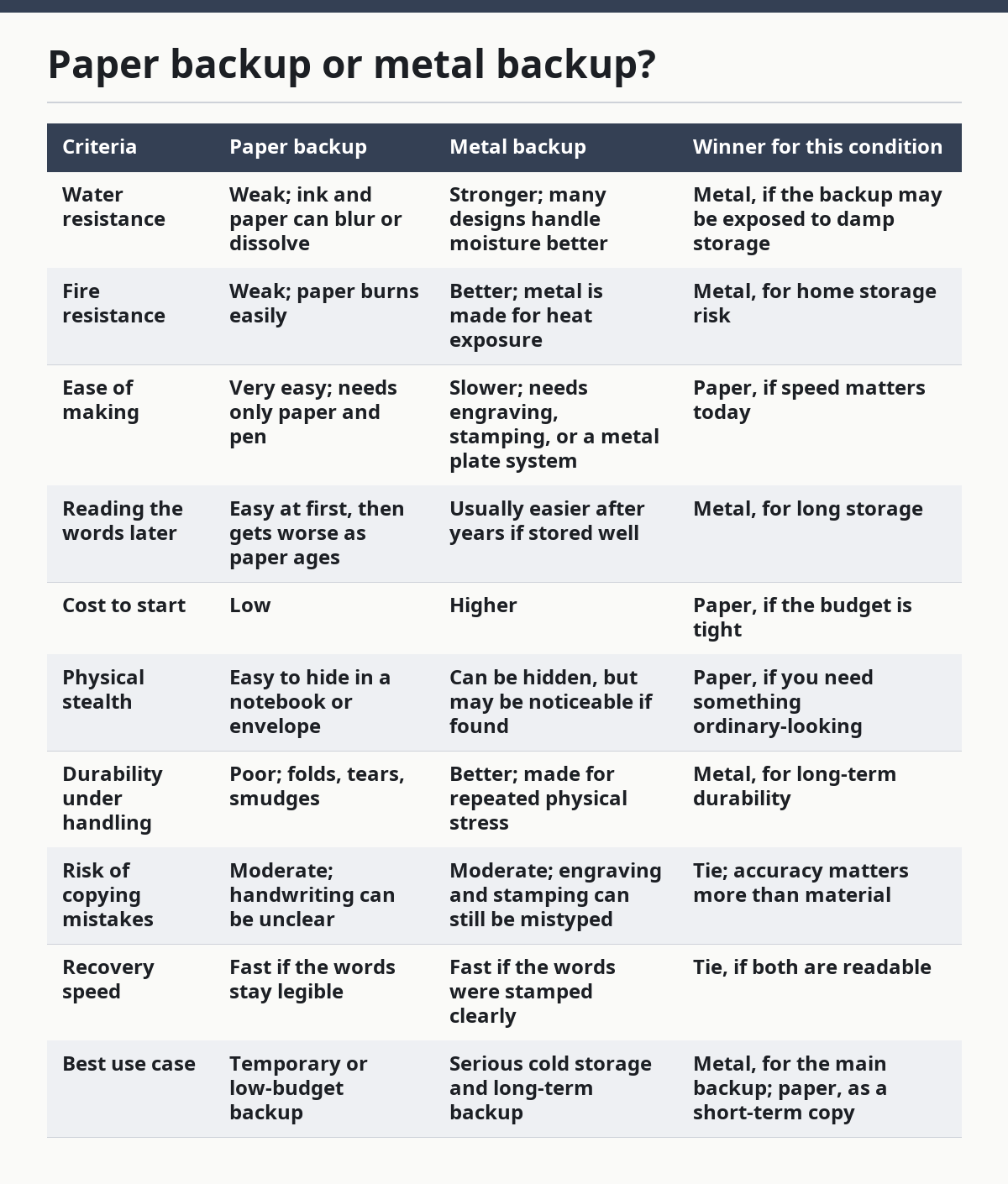
Paper backup wins only when simplicity matters more than durability. If the phrase is being stored for more than a short period, or if the wallet holds meaningful value, paper becomes the weaker choice because it can be damaged by water, fire, fading, or careless handling.
Metal backup is not magic, though. It is better at surviving physical damage, but it still fails if the words are copied wrong or the storage location is obvious to thieves. A metal plate hidden in a drawer is still a backup that can be stolen.
The clean recommendation is this: use metal for the primary offline backup if the wallet matters, and use paper only as a temporary or secondary copy. If you do use paper, keep it dry, private, and checked for legibility.
How does wallet recovery work?
Wallet recovery works by entering the seed phrase into a compatible wallet and letting that wallet rebuild the keys from the same standard. In many cases, the recovery process is only a few screens long, but the real work happened earlier when the backup was created.
The biggest trap is assuming any wallet can recover any phrase in the same way. The phrase itself may be standard, but the wallet can still depend on the same derivation path, address type, and optional passphrase settings. That means a phrase can be valid and still appear to “not work” if the new wallet is using different settings.
That is why recovery should be treated like a checklist, not a guess; if you are not sure which settings were used, consult the wallet documentation or a qualified professional before moving funds. Start with the exact words, in the exact order, and use the wallet type that originally created the phrase whenever possible. If the wallet also used an extra passphrase, you need that too; without it, the restored wallet can look empty.
A good recovery flow also tests for simple errors before panic sets in. Check spelling, order, and whether the backup was written with enough space for the full phrase. A 12-word phrase leaves less room for a copying error than a 24-word phrase, but both can fail if even one word is wrong.
What do people get wrong most often?
The most common mistake is storing the seed phrase in a digital place that can be copied without warning. Screenshots, cloud notes, email drafts, photo backups, and chat apps turn a private recovery key into a file that can be leaked, synced, or stolen. For wallet access, backups, and recovery, that single choice can create multiple points of failure.
Another common error is confusing a wallet password with wallet recovery. A password may stop casual access to an app, but it usually does not replace the seed phrase. If the device is lost and the phrase is missing, the password often becomes irrelevant.
People also mix up safety and secrecy. Hiding a seed phrase in a place nobody remembers is not the same as securing it. If no trusted person can find it after a death, move, or emergency, the backup may protect against thieves and still fail the family.
There is also the problem of bad copies. One word omitted, one word misspelled, or words written in the wrong order can make recovery fail. A careful backup is not just about where the phrase is stored; it is about whether the phrase can be read back correctly months or years later.
When should you change the plan?
You should change the plan when your wallet holds enough value that one physical copy feels too risky. A single paper backup in one place is fragile; if the location floods, burns, or disappears, the recovery path is gone.
You should also change the plan if you rely on a shared device, a workplace computer, or a phone that may be wiped by an employer or carrier. In those situations, the backup should live offline, not inside the device that may be reset without warning. If the device syncs data automatically, that sync can create exposure.
A third trigger is inheritance or shared access planning. If one person alone knows where the backup is, the wallet can become inaccessible even though the phrase still exists. In that case, the storage plan matters as much as the phrase itself.
The rule is simple: if losing one object would destroy access, the plan is too thin. Move to a stronger setup before the loss happens, not after.
What should a good backup plan include?
A good backup plan includes one clean master copy, one secure storage method, and one checked recovery path. At minimum, the words should be written in the correct order, stored offline, and protected from water, fire, and casual discovery. If you are uncertain about the right setup, consult the wallet’s instructions or a qualified professional rather than guessing.
For many people, that means a metal backup stored in a private place, plus a separate paper copy only if it does not create extra exposure. The backup should never depend on a cloud account, a photo gallery, or a notes app. Those tools are made for syncing, and syncing is the opposite of offline control. If you want to reduce exposure, keep the recovery material separated from daily devices and daily accounts.
A good plan also records any wallet-specific details that the phrase alone does not cover. If the wallet uses a passphrase, a non-default derivation path, or a special account setup, those details need to be preserved somewhere safe too. Without them, the phrase may recover the keys but not the wallet you expected.
Think of the plan as three questions: can I find it, can I read it, and can I use it on a fresh device? If any answer is no, the backup is incomplete.
Exception scenarios
The overall recommendation flips in a few cases, and those cases matter.
If the wallet is a tiny test balance and the phrase is only meant to bridge a short period, paper is acceptable. A metal setup may be overkill when the value at risk is low and the backup will not live long.
If physical concealment matters more than durability, paper can win. An ordinary-looking envelope or notebook page may be less conspicuous than a metal plate, though it is also easier to destroy. That trade-off is practical, not theoretical.
If the wallet uses an extra passphrase that is stored separately from the seed phrase, losing that second piece can block recovery even when the seed phrase is perfect. In that setup, a metal plate is not enough on its own; the recovery method must include both parts.
If the user cannot reliably keep physical items safe, a self-custody wallet may be the wrong tool entirely. In that case, the risk is not about paper versus metal. It is about whether the person can maintain offline control without losing the recovery path.
The verdict: which backup should you choose?
Choose metal backup if the wallet matters, the storage period is long, or the device may fail when you cannot afford to lose access. Choose paper backup if you need a quick, low-cost copy for a short period or a low-value wallet. Neither is right if you are likely to store the phrase in a cloud note, photo album, or shared inbox.
The honest call is that metal is the stronger default for serious self-custody, while paper is the simpler fallback for low stakes. A backup only works if it survives the thing you are trying to prepare for, and paper does that less reliably than metal.
Can I keep my seed phrase in a password manager?
A password manager is better than an email draft, but it is still a digital copy of a master recovery key. That creates a new attack surface, because the vault itself can be targeted, synced, exported, or opened on a compromised device.
For highly sensitive self-custody wallets, offline storage is the safer default. If you do keep any digital note, treat it as a temporary aid, not the main recovery method. If you are unsure whether a temporary digital copy is appropriate, ask a qualified professional or follow the wallet vendor’s guidance.
What happens if I lose one word?
If one word is missing or wrong, recovery may fail completely or lead to the wrong wallet. Some wallets can catch spelling errors through checksum checks, but that does not repair a missing word or a broken order.
That is why a readable copy matters so much. The backup has to survive both time and human error.
Does the wallet password matter for recovery?
The wallet password matters for local access, but it usually does not replace the seed phrase. If the app is deleted or the device is replaced, the password alone often cannot reconstruct the wallet.
Think of the password as a lock on the app and the seed phrase as the master key to the wallet. Both matter, but they do different jobs.
Is a 24-word phrase safer than a 12-word phrase?
A 24-word phrase generally gives more room for entropy than a 12-word phrase, but it is also longer to copy and easier to mistype. The practical trade-off is simple: longer phrases can be stronger in theory, yet they can be harder to store and verify correctly.
For many beginners, the bigger risk is not the word count itself. It is bad storage, bad copying, or the wrong recovery settings.
Drafted with AI; not yet reviewed by a person.